 GroundUI
Your website needs taste too.
Start from real sections.
Ready-made React and Tailwind sections, from the landing page to the account pages app stores ask for.

Four blocks are ready
Each one is a single React file with sample content you replace.
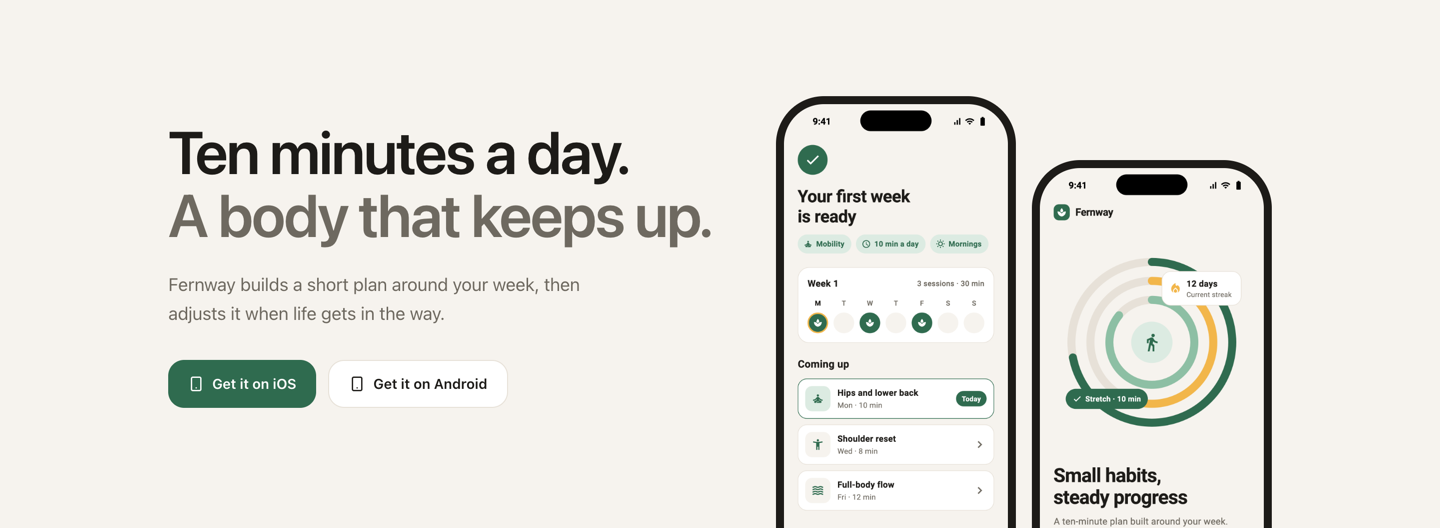
App hero with phonesFree
Your value line, iOS and Android links, and real screens from your app.
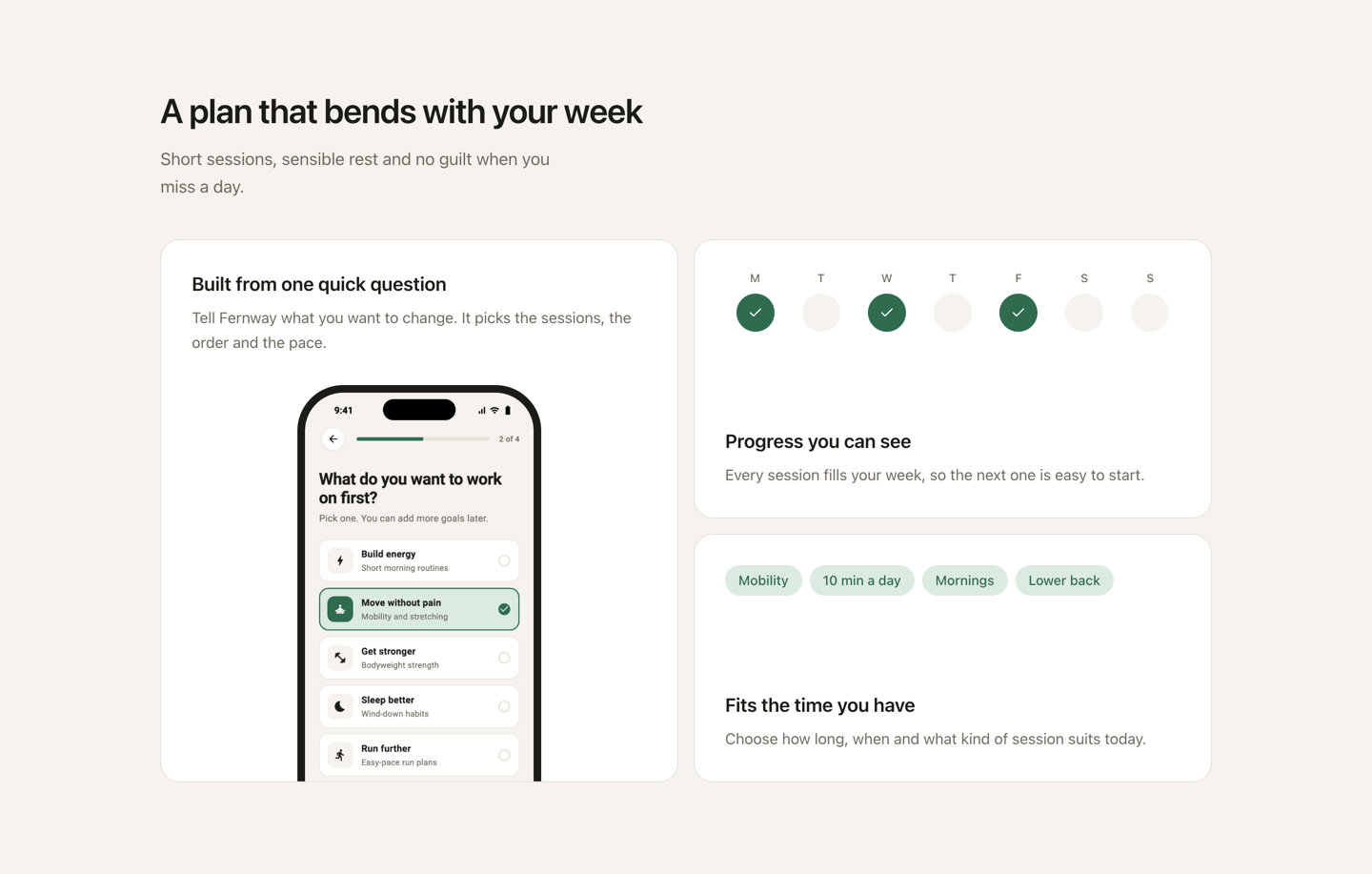
App feature gridPro
One large card with an app screen, plus two smaller cards for the details.
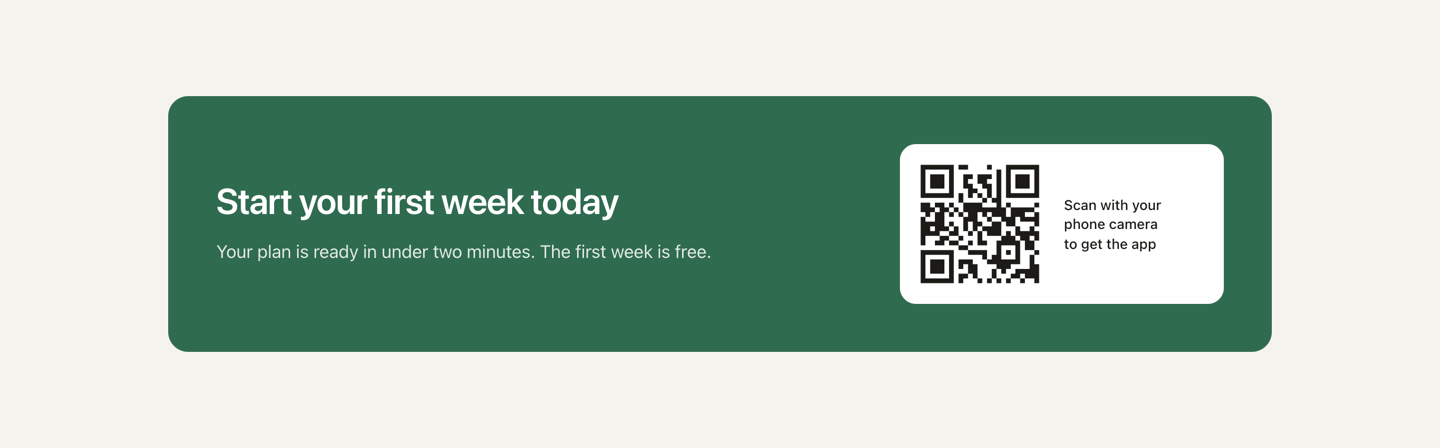
Desktop to phone downloadPro
A QR code for desktop visitors and direct store links for phones.
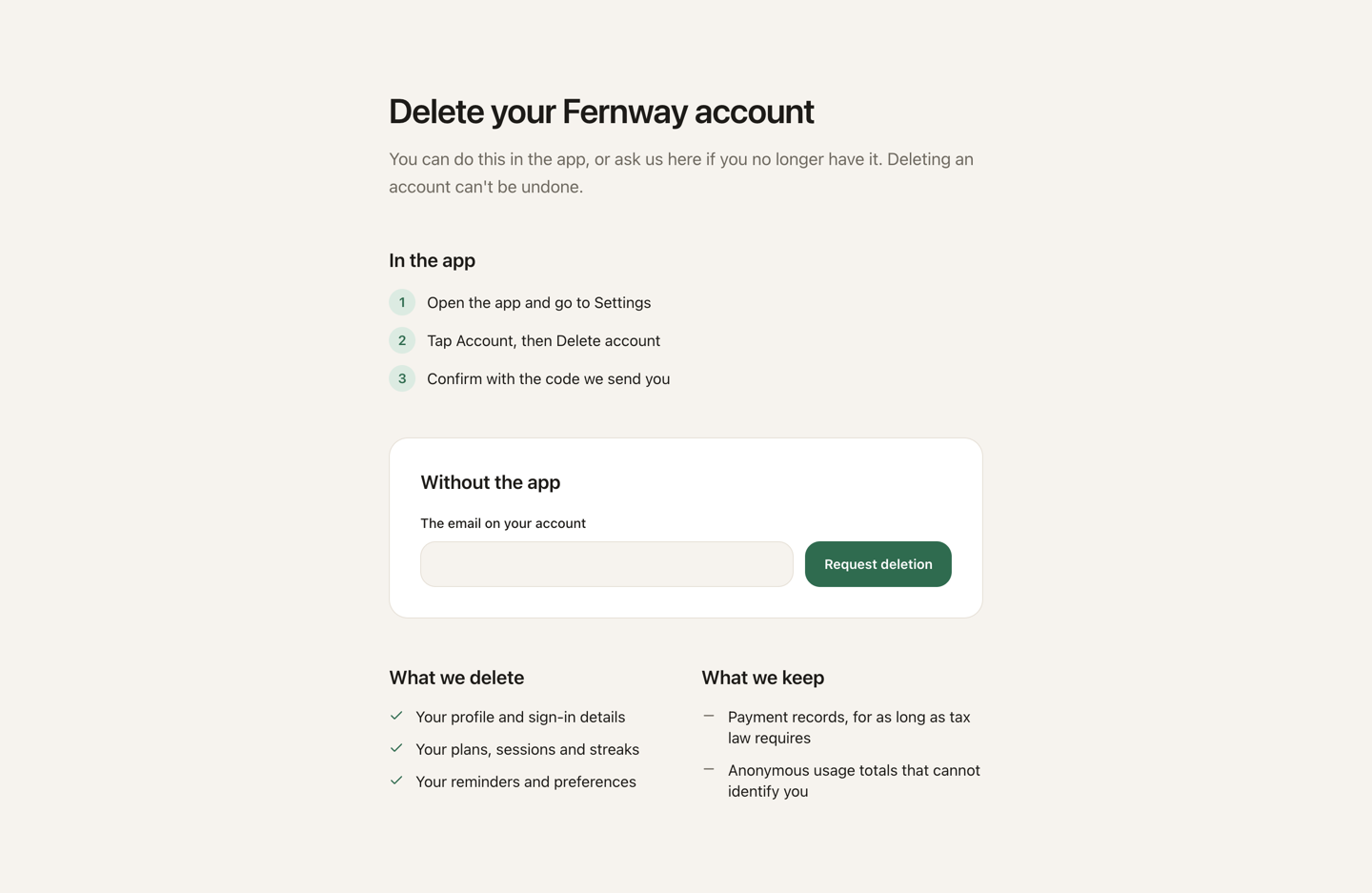
Delete account pagePro
Steps in the app, a web request form, and what you delete or keep.
Everything around your app
The plan covers a full app website. Here’s what’s ready and what’s still to come.
Basic components
The small parts every site is built from.
- Button (ready)
- Text input (ready)
- Switch (ready)
- Tabs (ready)
- Accordion (ready)
- Dialog (ready)
- Tooltip (ready)
- Phone frame (ready)
- Checkbox (planned)
- Select (planned)
- Menu (planned)
- Drawer (planned)
- Toast (planned)
Marketing
Explain the app and earn the install.
- App hero (ready)
- Feature grid (ready)
- Screen wall (planned)
- Testimonials (planned)
- FAQ (planned)
- Header (planned)
- Footer (planned)
Conversion
Turn a visitor into a user or a customer.
- Download handoff (ready)
- Waitlist (planned)
- Beta invite (planned)
- Pricing (planned)
- Web checkout (planned)
App links
Catch links that are shared outside the app.
- Deep link fallback (planned)
- Invite landing (planned)
- Shared content (planned)
Legal and support
Cover the pages every published app needs.
- Delete account (ready)
- Privacy (planned)
- Terms (planned)
- Support (planned)
Growth
Keep the site useful after launch.
- Status (planned)
- Changelog (planned)
- Press kit (planned)
- Compare (planned)
From block to live site
- 1
Pick a block
Choose the sections your site needs, or start from a full page.
- 2
Add it to your projectSoon
Install with the shadcn CLI. The source lands in your repo, so you own it.
- 3
Make it yours
Swap in your copy, links and screenshots. Everything is a prop.
SoonYour agent will find and add blocks through the GroundUI MCP server, the same way it pulls mobile screens.
Set your colours once
Blocks read standard shadcn tokens, so the whole site follows your theme. Use your own, or start from a GroundUI app kit.
:root {
  --background: #f6f3ee;
  --foreground: #1d1b18;
  --primary: #2f6b4f;
  --accent: #dcebe2;
  --border: #e7e1d8;
  --radius: 16px;
}
What to expect
What you need
- A React 19 site with Tailwind 4
- The standard shadcn colour tokens
- Any mobile stack: Flutter, React Native, SwiftUI or Kotlin
What you bring
- Your copy, links and app screenshots
- Official store badges, used under each store’s rules
- A backend for forms, such as delete requests
- A review of any legal text against your own practices
Included in your plan
Compare plansFree
$0
A free account gets basic components and the free blocks.
Pro
$9 / month
Every block. $108 billed yearly, or $15 month to month.
Lifetime
$199
Every block for one payment.
Questions
Can I use blocks today?
Not yet. Four blocks and eight basic components are built, and install is still in progress. Ask for early access and we’ll tell you when you can add them to a project.
Are basic components included?
Yes. Buttons, inputs, tabs, dialogs and more sit alongside the blocks and share the same theme. They use native browser features and need no UI library.
My app isn’t built with React. Does that matter?
No. Only your website uses React. Blocks work alongside an app built with Flutter, React Native, SwiftUI or Kotlin.
Do I have to use GroundUI screens in my app?
No. Blocks stand on their own. Pass in screenshots from any app and set your own theme.
Will blocks match my brand?
Yes. Every colour comes from a theme token, so your existing shadcn theme carries across. You can also edit the source, because it lives in your repo.
Do blocks work on phones?
Yes. Every block is built for desktop and phone widths, and the download block switches from a QR code to store links on phones.
Does the delete account page meet store rules?
It’s a starting point, not legal advice. The text is a sample and the form needs connecting to your backend. Check it against each store’s current rules and how you handle data.
Are the App Store and Google Play badges included?
No. Links use plain text, and you add the official badges under each store’s rules.
Do blocks cost extra?
No. Pro and Lifetime include every block. Free accounts get basic components and the free blocks.